Enroll Zero-Touch Android devices
Prerequisites
AMAPI enrollments
Company-owned devices purchased through an authorized reseller can use zero-touch enrollment in KACE Cloud.
To enroll Zero-Touch Android devices:
- Go to the Devices tab in top navigation.
- Click Enroll Device.
- In the Enroll Device view that appears on the right, click Device Type, and select one of the following options:
- AMAPI enrollments: Select Android Management API (Zero-Touch).
- Android EMM enrollments: Select Android EMM (Zero-Touch).
- Complete the steps for enrolling a Zero-Touch procedure.
Android Management API (Zero-Touch)
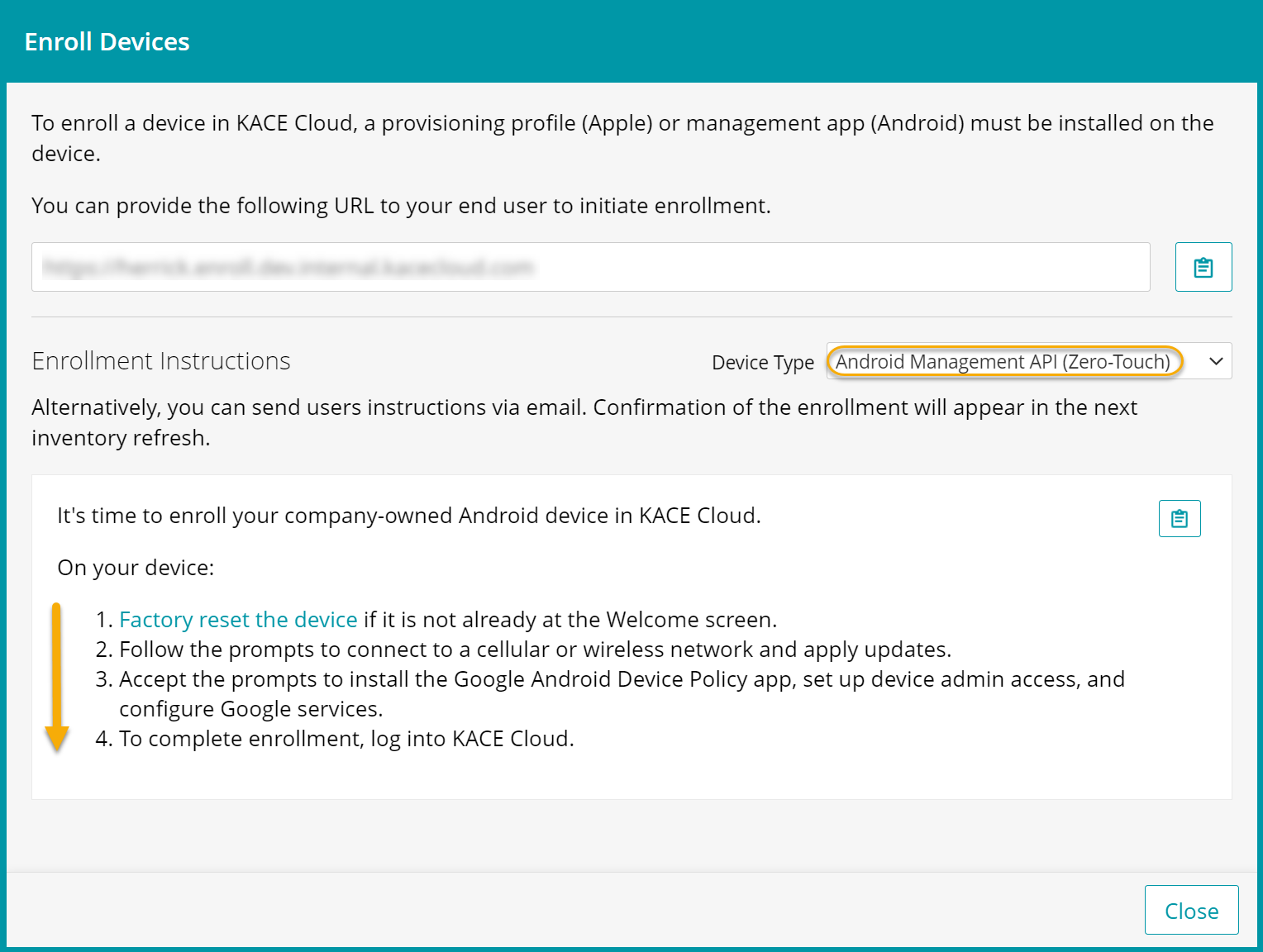
Android EMM (Zero-Touch)
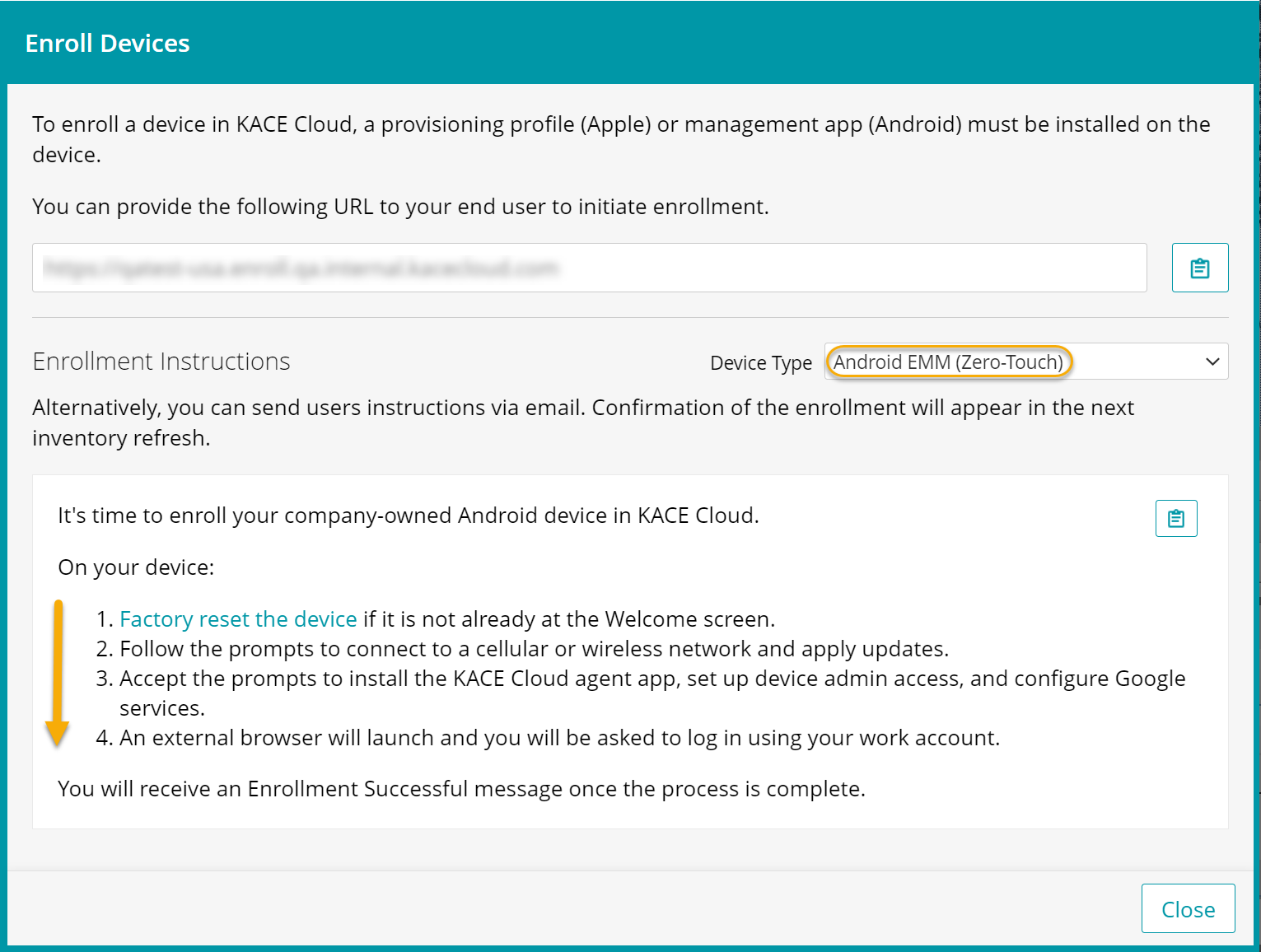
-
Locate the device in KACE Cloud.
-
Go to the Devices tab in top navigation.
An enrolled Android device is identifiable by the Android EMM
 or AMAPI
  device icon .
In the right panel, click Android to see all available actions for this Android device.
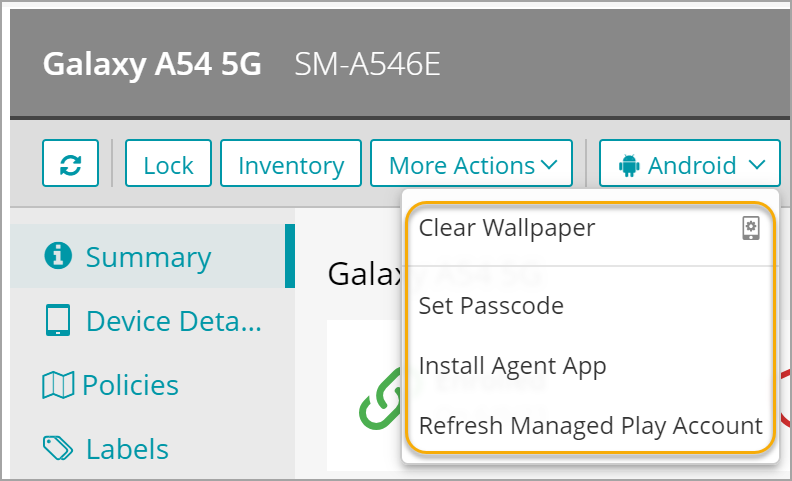
-